
The free Annuity Calculator
Project the future value of a stream of regular payments.
- Free to use
- No signup
- Nothing to install
- Runs in your browser
Illustration. Open the tool for the real thing.
See it in action
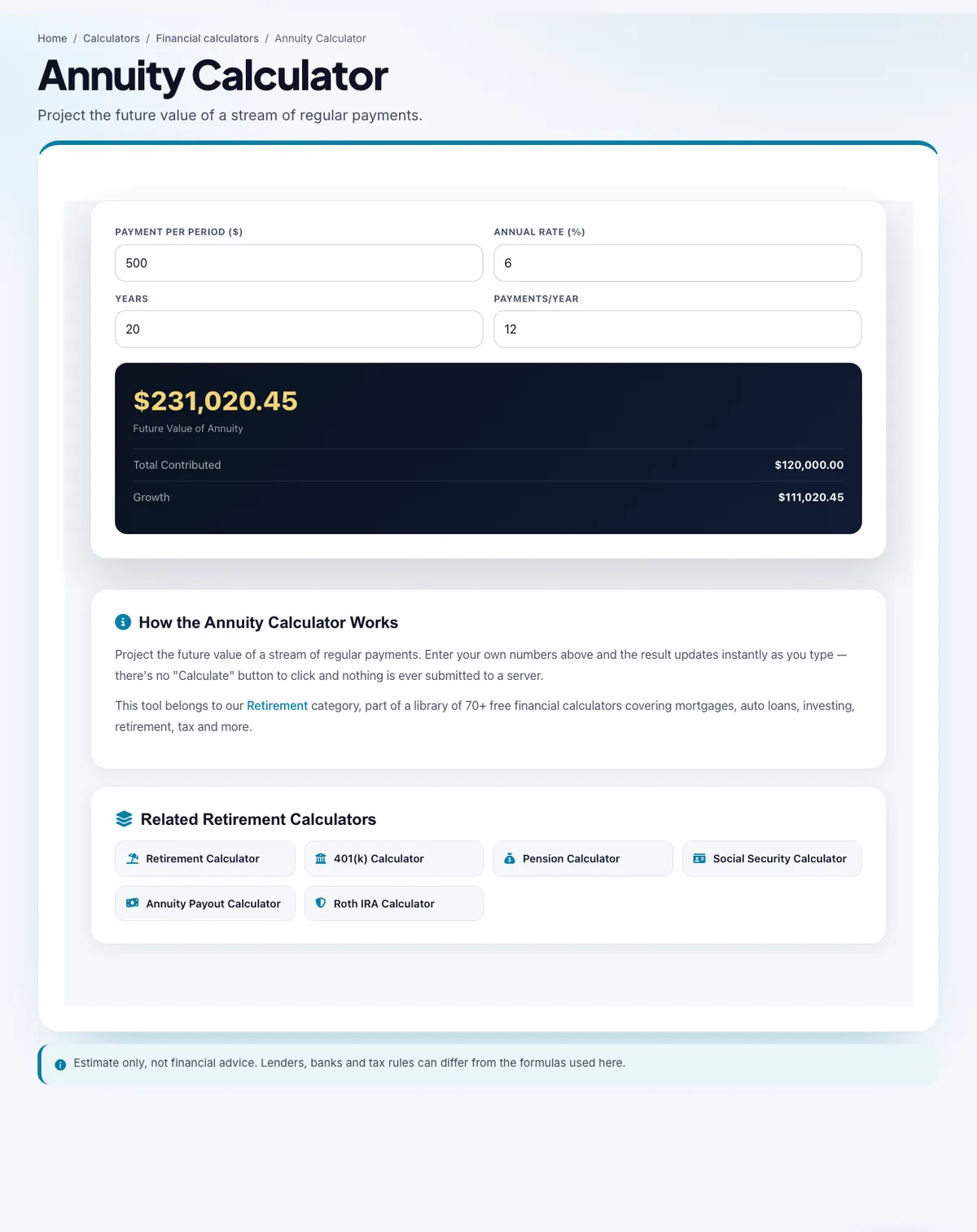
The Annuity Calculator with sample data entered and the result showing.
What is the Annuity Calculator?
Project the future value of a stream of regular payments.
Fill in the fields and the page works out the result for you.
3 steps to your result
Open the tool and follow along. Nothing to install.
What you get
Payment per Period ($), Annual Rate (%), Years, Payments/Year
Total Contributed, Growth.
Part of the Retirement group of AZRS calculators.
AZRS tools are free to open and use.
It opens in your browser, so there is nothing to download.
Used for
Pick one to see how it fits.
How it compares
A plain look at this tool next to the usual alternative.
| This calculator | Desktop software | |
|---|---|---|
| Install | Nothing to install | Usually an app or program to install |
| Account | No signup | Depends on the product |
| Cost | Free to use | Free or paid, depends on the product |
| Where it runs | In your browser tab | On your computer |
Questions people ask
What does the Annuity Calculator do?
Project the future value of a stream of regular payments.
Is the result financial advice?
No. It is an estimate to help you plan. Check important decisions with a qualified professional.
Do I need an account to use the Annuity Calculator?
No. Open the page and enter your numbers.
How do I use the Annuity Calculator?
1. Open the Annuity Calculator. 2. Enter the values it asks for: Payment per Period ($), Annual Rate (%), Years, Payments/Year. 3. Read the result: Future Value of Annuity and the figures listed under it.
Who is it for?
Planning: Project the future value of a stream of regular payments.
More free tools
Related to the Annuity Calculator.
Try the Annuity Calculator now
Project the future value of a stream of regular payments. Free to use.
Try it free