Keyword CPC Calculator
Calculate your exact Cost Per Click in one second — no guesswork, no API key, no signup
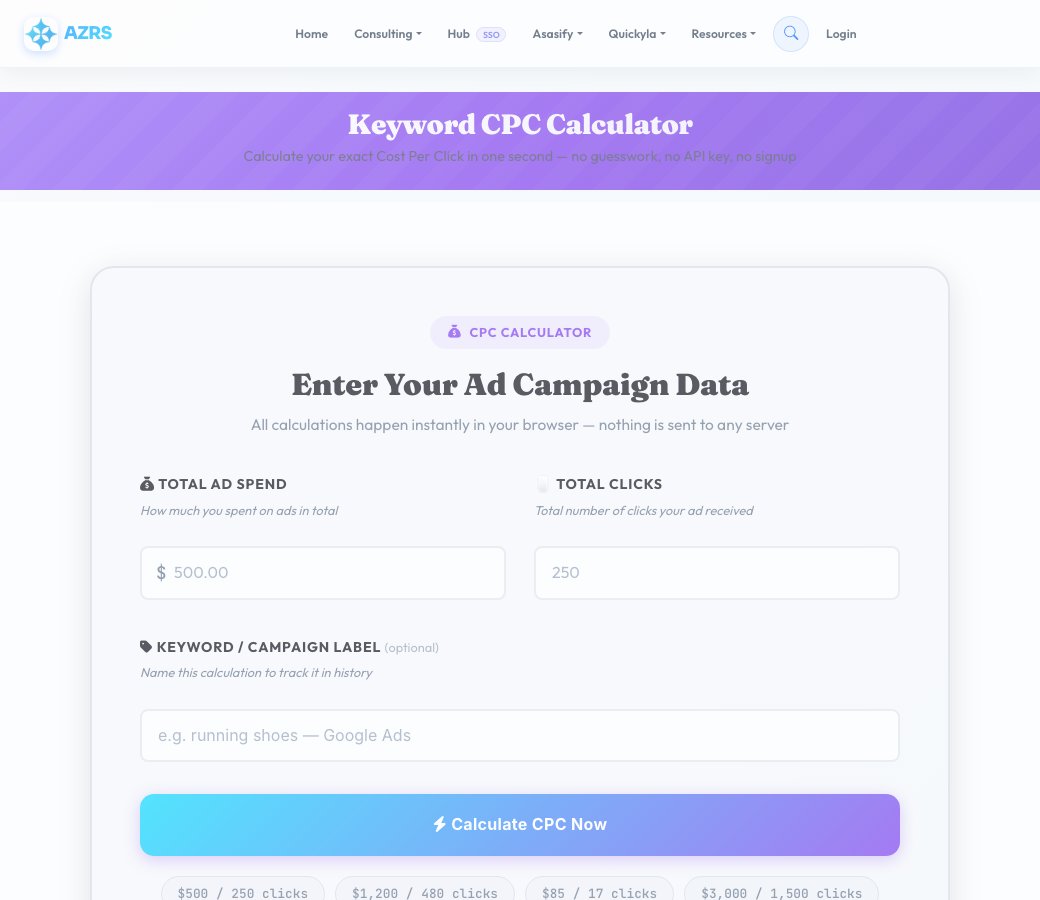
Enter Your Ad Campaign Data
All calculations happen instantly in your browser — nothing is sent to any server
How much you spent on ads in total
Total number of clicks your ad received
Name this calculation to track it in history
| Keyword / Label | Ad Spend | Clicks | CPC | Rating |
|---|
How CPC Is Calculated
Three simple steps — understand your paid search costs in seconds
Enter Total Ad Spend
Input the total amount you spent on your campaign or keyword during the measurement period — daily, weekly, or monthly.
Enter Total Clicks
Enter the total number of ad clicks recorded for that same period. Find this in Google Ads, Meta Ads Manager, or any PPC platform.
Get Your CPC
The formula is simply CPC = Spend ÷ Clicks. We also show you how your CPC compares to industry averages so you know if you're overpaying.
How to Use CPC Data Effectively
Turn raw CPC numbers into actionable campaign decisions
Track CPC Per Keyword, Not Just Campaign
Campaign-level CPC masks expensive keywords. Break it down per keyword — one $15 keyword can be draining 40% of your budget while delivering zero conversions.
Calculate ROAS Before Setting Bids
Know your conversion rate and average order value first. If you convert at 2% and earn $50 per sale, your maximum profitable CPC is $1.00. Never bid blindly.
Use This Alongside Keyword Research
CPC data tells you what you're paying. Use the Keyword Research tool to find lower-competition alternatives that could deliver the same traffic at a fraction of the cost.
More Free SEO Tools
Everything you need to dominate search rankings — all free, no signup required
🔍 SEO & Website Analysis
🧮 Free Calculators
How Keyword CPC Calculator works, step by step
Enter your total ad spend for the period.
 Download it
Enter the total number of clicks recorded for that same period.
Keyword CPC Calculator
Enter your total ad spend and total clicks for a campaign or keyword, and this tool instantly calculates your real Cost Per Click using the simple, exact formula — spend ÷ clicks — then tells you how that number compares against typical industry CPC ranges so you know whether you're paying above, at, or below average.
Every calculation is saved to a simple history table so you can compare CPC across different keywords, campaigns and time periods side by side, all done with pure arithmetic — no API key, no Google Ads connection and no account needed.
Key features
Instant, exact CPC
Spend ÷ clicks calculated the moment you enter both numbers — real arithmetic, not an estimate.
Industry benchmark comparison
See immediately whether your CPC is excellent, average, above average or high for typical industries.
Calculation history
Every result is saved so you can compare CPCs across keywords and campaigns over time.
No API key or account required
Runs on the numbers you enter — no Google Ads connection needed.
How to use it
- Enter your total ad spend for the period.
- Enter the total number of clicks recorded for that same period.
- Optionally label the calculation (keyword, campaign name).
- Get your exact CPC instantly, along with how it compares to typical industry ranges.
Worked example
Example
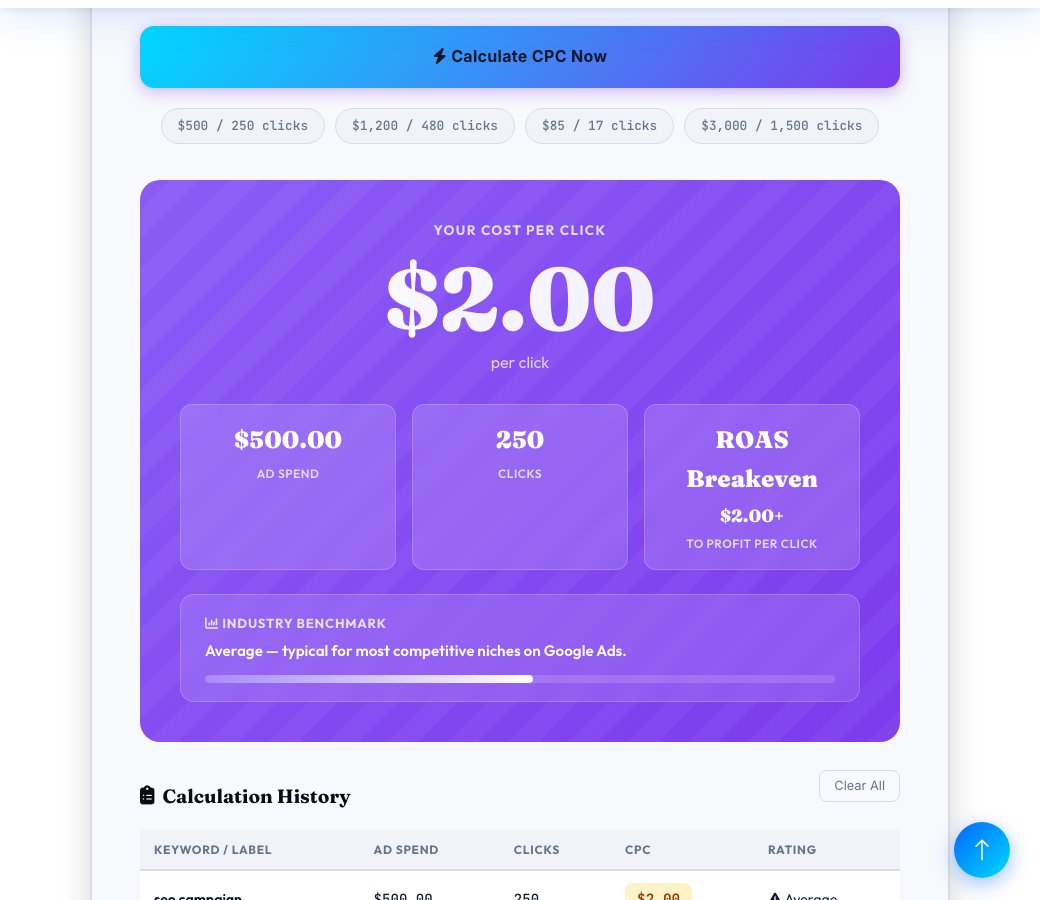
$400 spent for 200 clicks gives a CPC of $2.00 — flagged as 'good, within the average $1-$3 range for most industries' by the built-in benchmark comparison.
Who uses this tool
PPC managers and marketers
Quickly check the real CPC for any campaign or keyword without opening the ad platform.
Small business owners running their own ads
Understand whether a reported CPC from an ad platform is actually reasonable for their industry.
Agencies reporting to clients
Get a clean, benchmarked CPC figure to include directly in a performance report.
Tips for the best results
- Track CPC per keyword, not just per campaign — a single expensive keyword can quietly drain a large share of a budget.
- Calculate your maximum profitable CPC from your conversion rate and average order value before comparing it against what you're actually paying.
- Compare CPC across pay periods to catch trends early instead of only checking at the end of a campaign.
- Remember max CPC (your bid) and average CPC (what you're actually charged) are different numbers — this tool calculates your real average.
Common mistakes to avoid
- Assuming a lower CPC always means a better campaign — a cheap click that never converts can cost more overall than a pricier one that does.
- Comparing CPC across completely different industries without adjusting expectations — legal and finance keywords are naturally far more expensive than most niches.
- Forgetting that CPC alone doesn't include conversion rate or order value, both needed to judge real campaign profitability.
Why use AZRS QuickFix?
It is 100% free, needs no signup and has no watermark or usage limits. The tool runs in your browser, so what you type stays on your device, and it works on phones, tablets and desktops. New tools are added every week — bookmark this page or browse the full QuickFix toolbox.
Frequently asked questions
What is CPC?
Cost Per Click — the average amount you pay each time someone clicks your ad, the most fundamental cost-efficiency metric in paid search.
What is the exact CPC formula?
CPC = total ad spend ÷ total number of clicks. For example, $400 spent over 200 clicks gives a CPC of $2.00.
What counts as a good CPC?
It depends heavily on industry and what a converted visitor is worth to you — roughly, under $1 is excellent for most niches, $1-$3 is average, $3-$10 is above average, and $10+ is common in highly competitive industries like finance, legal and insurance.
What's the difference between CPC and CPM?
CPC charges only when someone clicks your ad; CPM (Cost Per Mille) charges per 1,000 impressions regardless of clicks — CPC suits direct-response goals, CPM suits brand awareness.
What's the difference between max CPC and average CPC?
Max CPC is your bid ceiling — the most you're willing to pay for a click. Average CPC is what you actually pay on average, which is usually lower due to how ad auctions work; this tool calculates your real average from actual spend and clicks.
Is this free and does it need an API key?
Yes, completely free, with no API key, no Google Ads connection and no account signup required.