Language
What to do
Extra instructions (optional)
0 lines
0 chars
0 words
1
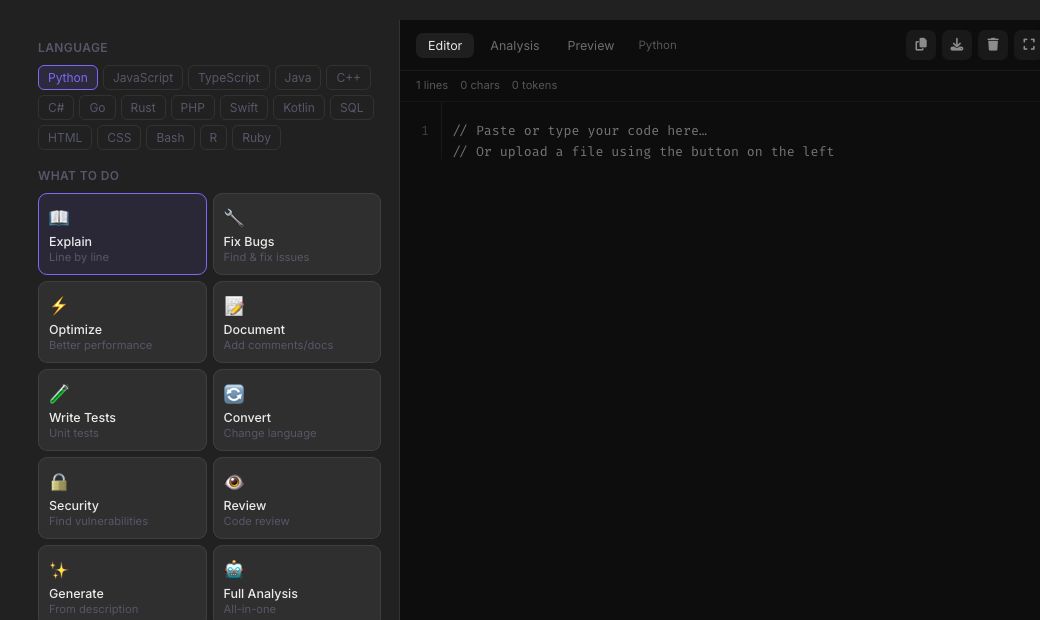
Code Assistant is a focused coding companion: paste in a snippet and ask it to explain what the code does, find and fix a bug, or optimise it — tuned with a 'senior engineer' system prompt that pushes for complete, working code with error handling rather than half-finished examples.
It works across any mainstream language — Python, JavaScript, Java, C++, SQL and more — and always returns full code blocks so you can copy-paste a fix directly, rather than a vague description of what to change.
Paste any snippet and get a clear, line-by-line breakdown of what it does.
Paste broken code and an error message and get back the corrected, complete version.
Ask for a faster or cleaner version of working code, with complexity notes.
Python, JavaScript, Java, C++, SQL, and most other mainstream languages.
Example
Paste a Python function that throws 'IndexError: list index out of range', hit Fix, and get back the corrected function with a bounds check added and a one-line explanation of what was wrong.
Get plain-language explanations of unfamiliar code instead of just the fix.
Paste an error and get a real fix without leaving the browser.
Understand an unfamiliar snippet fast before making changes.
It is 100% free, needs no signup and has no watermark or usage limits. The tool runs in your browser, so what you type stays on your device, and it works on phones, tablets and desktops. New tools are added every week — bookmark this page or browse the full QuickFix toolbox.
Any mainstream language — Python, JavaScript, TypeScript, Java, C++, C#, Go, SQL and more.
Yes, paste the code plus the actual error/traceback and it will diagnose and fix logical or runtime bugs too.
Yes, unlimited and free.
Yes, fixes come with a short explanation of the root cause, not just the corrected code.
Yes, use the Optimise action for a faster or cleaner version with complexity notes.
Code you paste is sent to the AI provider to generate a response; it isn't published or shared anywhere on the site.