The best way to test your Dolby Atmos sound system
Pick a good benchmark video, and stick with it. Immersive, cinema-grade audio at home isn't impossible, but getting it right can be a labor of love. Setting up a Dolby Atmos sound system , for insta…
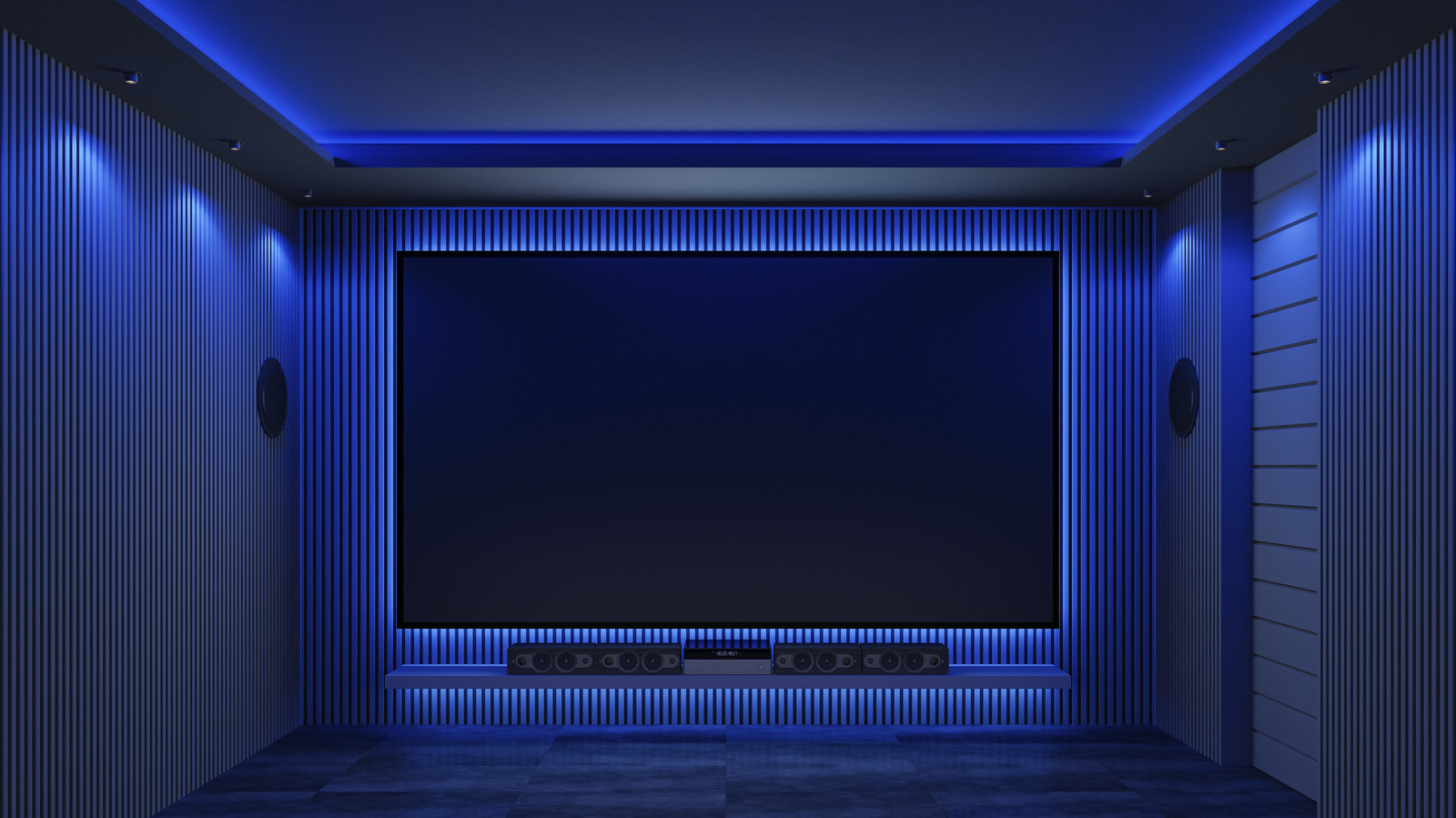
Immersive, cinema-grade audio at home isn't impossible, but getting it right can be a labor of love. Setting up a Dolby Atmos sound system , for instance, requires careful speaker placement and plenty of fine-tuning for the best results. If it's done right, the audio should feel like it's coming from all around you.
The only problem is knowing how to test it, because you can't just hook it up and assume everything will sound right in your room. Once you've checked each speaker is working properly, you'll need to put the entire system through its paces to check that you're getting the full Dolby Atmos experience.
You've installed your Dolby Atmos sound system. Before you settle down for a movie, you're going to want to perform some technical testing first. To be clear, this isn't going to be a test of how good your system sounds. It isn't necessarily calibrated, and you'll probably need to make further tweaks and changes.
What it is, however, is a test run of each component in your Atmos setup. Dolby's official 7.1.4 channel test file lets you test whether each speaker and audio channel is working as expected. This'll let you check your speakers are working properly, with clean audio and no dropouts. It can also be used with smaller Atmos setups, such as 5.1.2, although the test includes channels that those systems don't have. Those channels may just stay silent, or it may sound like it's coming from a different speaker than the file suggests, depending on your config.
It's also an immersion test. If your setup is working correctly, each test signal will match to a specific speaker and correspond to a different audio channel . As the channel test works through each speaker, you should be able to pinpoint where it's coming from, matching up to what the test file is telling you. For instance, if the speaker tells you that it's playing from the left top rear, it should sound like it's coming from there.
The test file is a video, so you'll see a visual guide to explain which speaker should be sounding. If you've placed a speaker in the wrong place, this'll give you a chance to swap it out. You can also correct any wrongly-assigned channels to speakers in your settings, if needed.
The official Dolby Atmos 7.1.4 channel test file is available to download from Dolby's website . Third-party alternatives also exist online with different audio mixes to try out, too. Once you've tested the setup and you're confident that it's technically working, you can move onto trying it out with some real content.
At this point, each speaker should be working, so the next test is to try playing real content you'd listen to that has been mixed for Dolby Atmos. You'll only know from playing real content, like movies you watch or songs you listen to, if the immersive experience you're expecting is right or not.
Read Full Story at Engadget →