Someone put Android 13 on the reMarkable Paper Pro, and it actually works
The reMarkable Paper Pro is a digital paper tablet built mainly for writing, reading, sketching, and organizing notes. It is intentionally much simpler than a regular Android tablet , which is a big …
Affiliate links on Android Authority may earn us a commission. Learn more.
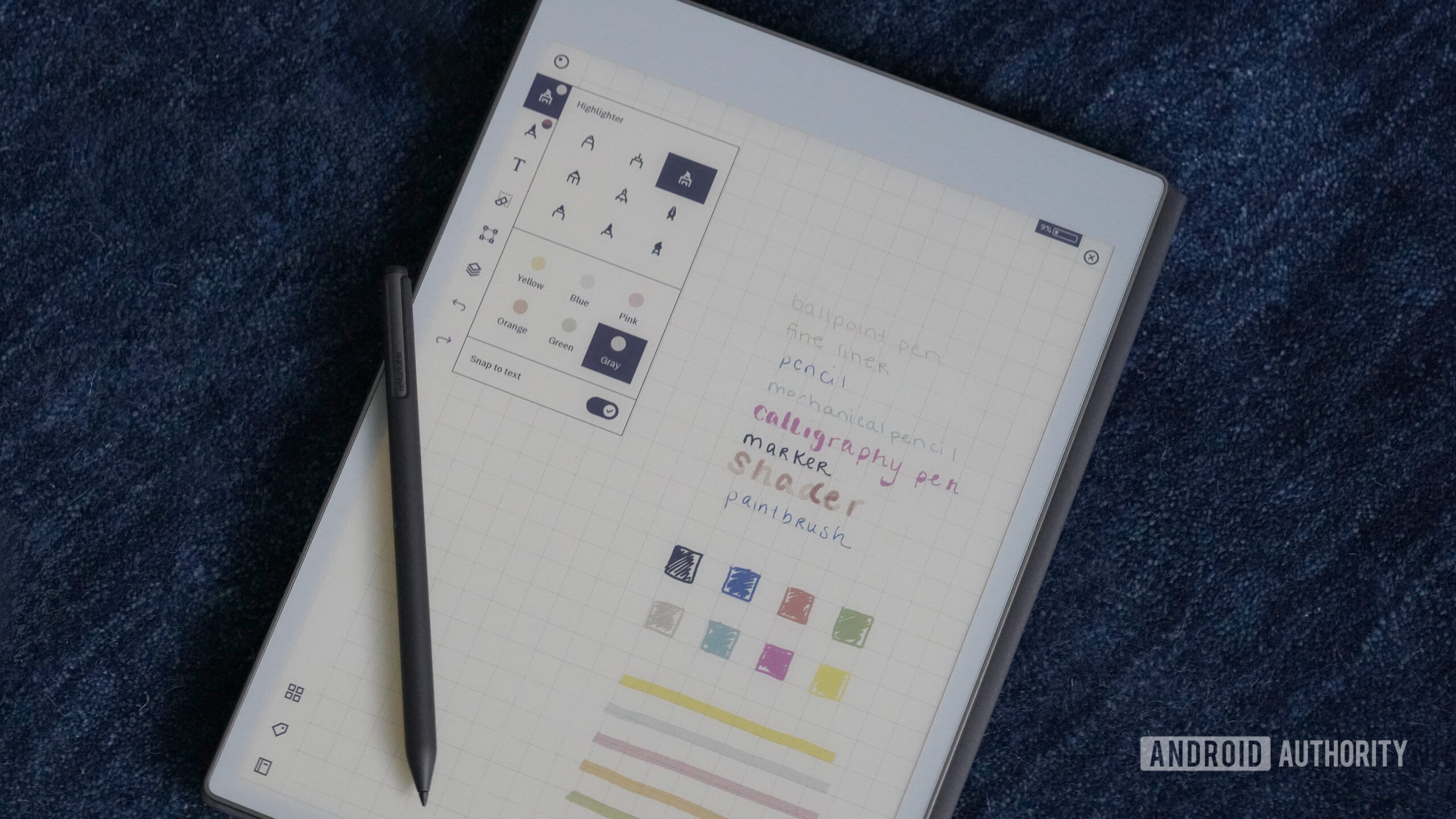
The reMarkable Paper Pro is a digital paper tablet built mainly for writing, reading, sketching, and organizing notes. It is intentionally much simpler than a regular Android tablet , which is a big part of its appeal. But one creator has now figured out how to give it a completely different personality by getting Android 13 running on it.
YouTuber Chalid Raqami recently demonstrated Android 13 working on the Paper Pro, and this goes well beyond getting the operating system to boot. He has spent quite a bit of time optimizing it for the tablet’s unusual hardware, to the point where Android actually looks useful enough for everyday tasks. The coolest part is that Android doesn’t have to replace reMarkable’s own software. Raqami can switch between the stock reMarkable OS and Android 13 in roughly 20 seconds.
That makes the project all the more interesting. You could use the regular reMarkable interface when you want to sit down and take handwritten notes without apps getting in the way. Then, when you suddenly need something the stock software can’t offer, you could jump into Android instead.
Say you’re reading a book, but it happens to live in your Kindle library — Android makes that possible. The same goes for reading comics, opening a browser to quickly look something up, downloading an audiobook directly to the tablet, or using a productivity app that isn’t available on reMarkable OS. You can even connect a Bluetooth keyboard and type on it, that could turn the Paper Pro into a pretty interesting minimalist writing setup.
Of course, putting Android on hardware that wasn’t designed for it comes with some obvious challenges. The Paper Pro only has 2GB of RAM, and E-Ink displays aren’t exactly known for slick animations. Raqami has therefore done quite a bit of optimization, including getting GPU acceleration working, tuning Android’s memory management, and creating custom E-Ink refresh modes.
Wi-Fi, Bluetooth, and USB are working as well. The experience won’t feel like using Android on a regular tablet, but some settings changes make scrolling and general navigation noticeably less jarring.
Battery life was another potential problem. Running a full Android installation could easily ruin one of the nicest parts of owning an E-Ink tablet : leaving it sitting around without constantly thinking about the charger. Raqami managed to get Android’s deep sleep functioning, though, reducing standby drain from around 3% per hour to approximately 0.3%.
Read Full Story at Android Authority →