I gave my Samsung phone superpowers with a $6 pack of NFC tags — here’s how
NFC is a smartphone feature that isn’t nearly as appreciated as it should be. It’s not as flashy as UWB nor as integral as Wi-Fi, but NFC powers some of the simplest tools that help me plow through t…
Affiliate links on Android Authority may earn us a commission. Learn more.
NFC is a smartphone feature that isn’t nearly as appreciated as it should be. It’s not as flashy as UWB nor as integral as Wi-Fi, but NFC powers some of the simplest tools that help me plow through the mundanities of the day.
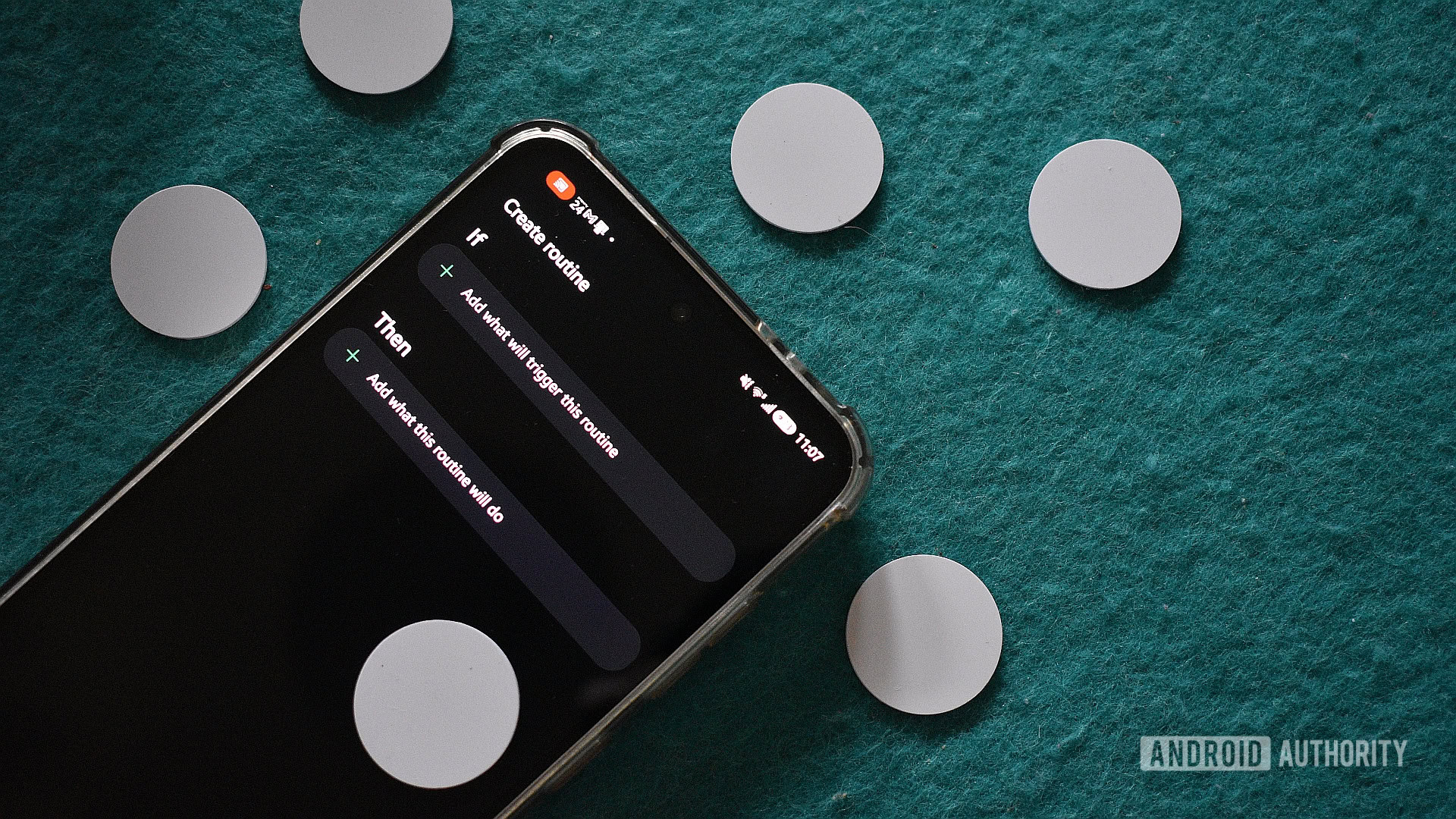
A few months ago, I picked up a bunch of NFC tags for a specific Android Auto automation project I was working on. I needed just two tags for that, so needless to say, I had plenty of spare chips that needed a purpose. And boy, have I found perfect uses for them!
Using these tags stuck to various locations in my house and car, Samsung’s Modes and Routines app powered up by the Routines+ Good Lock module , and a sprinkle of imagination, trial and error, and inspiration from others online, I can now tap my phone to smooth out the most fricative tasks in my life.
Firstly, I want to highlight the prerequisites for this project. You’ll need some spare NFC tags. They don’t need to be able to save information, as they’re merely triggers for my use case. Then you’ll need a Samsung phone. In theory, you can use any Android device with an automation tool like Tasker or MacroDroid, but that’s beyond the scope of this article.
Next, why NFC tags? They’re incredibly cheap. I picked up a pack of 10 for just $6, and given the myriad use cases, that’s an awful lot of value. They’re even cheaper in the US, where you can get a stack of 50 for just under $9 .
While some Android apps can use NFC to trigger various actions, Modes and Routines really kick this ability up a notch. Setting an NFC tag as a trigger allows me to perform a series of sequential tasks, tasks that I would otherwise have to trigger manually. This means I’m saving minutes of faff every time I use one of these automations.
So, what are some of these routines that I’ve created? Some are integral to starting my morning (quite literally), while others just help me offload some of that mental stress so I can focus on other tasks and preparations. All the recipes below are fairly straightforward; you can use them as is, tweak them to better suit your needs, and add functionality as you see fit.
Read Full Story at Android Authority →