How to use Android Auto without turning off your VPN
You don't have to sacrifice your privacy. You're about to head out for a long drive. You get in your car and expect Android Auto to automatically connect, as always, so you can access your map app a…
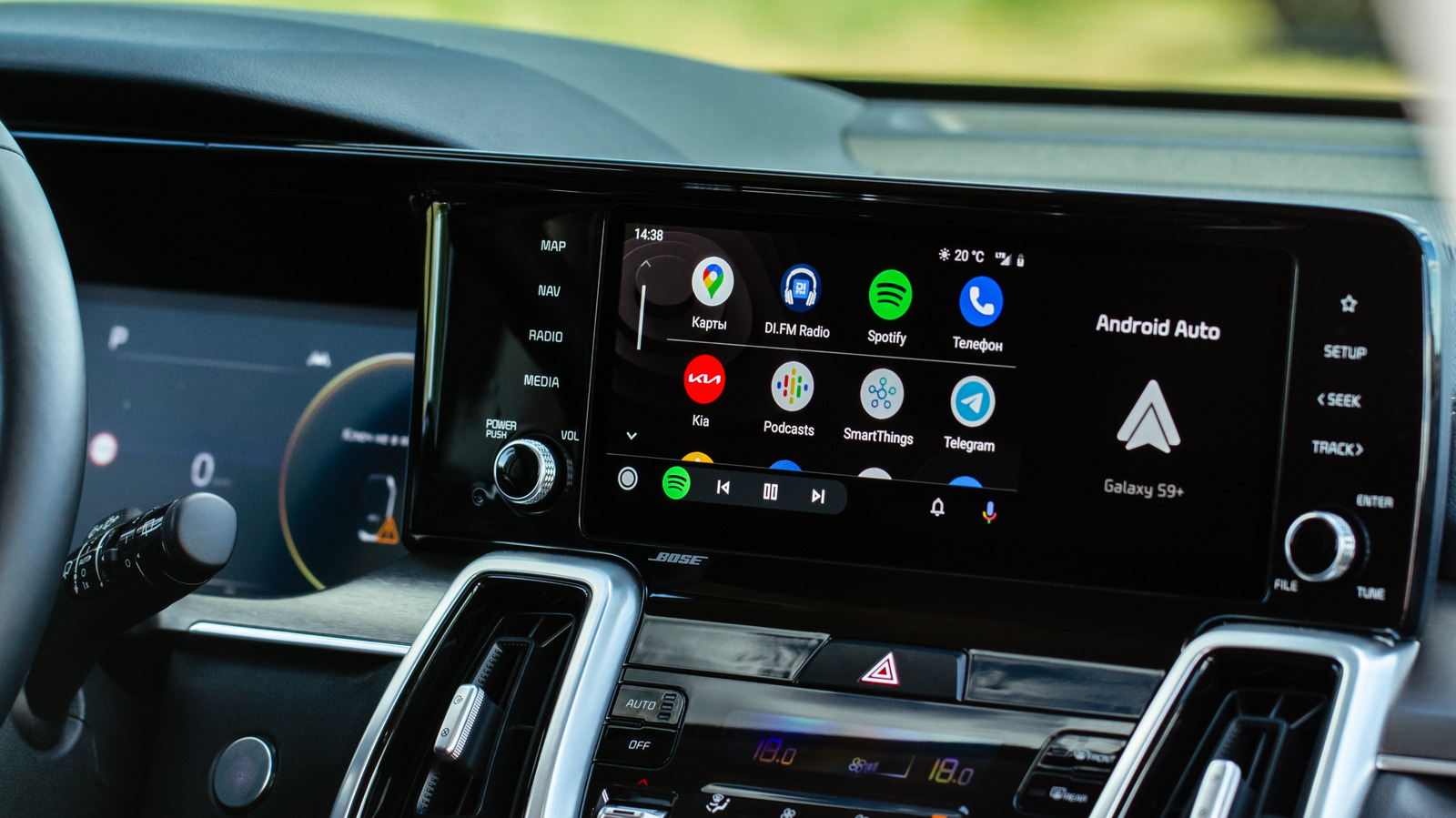
You're about to head out for a long drive. You get in your car and expect Android Auto to automatically connect, as always, so you can access your map app and your playlists, but it doesn't. Instead, you get a red error screen that reads "Communication error 21 — Being connected to a VPN may prevent Android Auto from starting."
Plenty of people use VPNs to protect their privacy online, so keeping one running on your phone isn't going to be uncommon. Still, as Android Auto blocks VPN connections by default, it's quite annoying for privacy-conscious drivers. Thankfully, the fix is simpler than you'd think.
While most apps will work just fine over a VPN, Android Auto isn't a traditional app. Rather than making its own network requests, it works as an extension of your phone by routing data through predefined APIs designed for a distraction-free driving experience. Because a wireless connection to Android Auto relies on a direct local Wi-Fi link between the phone and the car, system-level networking features like VPNs and custom proxy configurations can prevent it from connecting.
Split tunneling is a common VPN feature that lets you choose which apps go through the encrypted tunnel and which ones connect directly to the internet. Therefore, instead of routing all your phone's traffic through the VPN, you can carve out exceptions for specific apps.
For Android Auto, this means the app gets the direct connection it needs while everything else hides behind encryption. That's ideal for browsing, banking apps and other sensitive activity.
Of course, split tunneling isn't just for Android Auto. Any app that requires a direct internet connection should use it, such as certain smart home platforms, streaming services and gaming apps.
The steps vary slightly depending on which VPN provider you use, but the general process looks like this:
Add Android Auto to the exclusion list. This is also the place where you'll see if other apps are not compatible with VPNs.
Read Full Story at Engadget →