Samsung and Google enable flashlight activation from lock screen
Users of Samsung Galaxy and Google Pixel phones can now activate the flashlight from the lock screen without unlocking their devices, enhancing convenience during emergencies. This feature includes q…
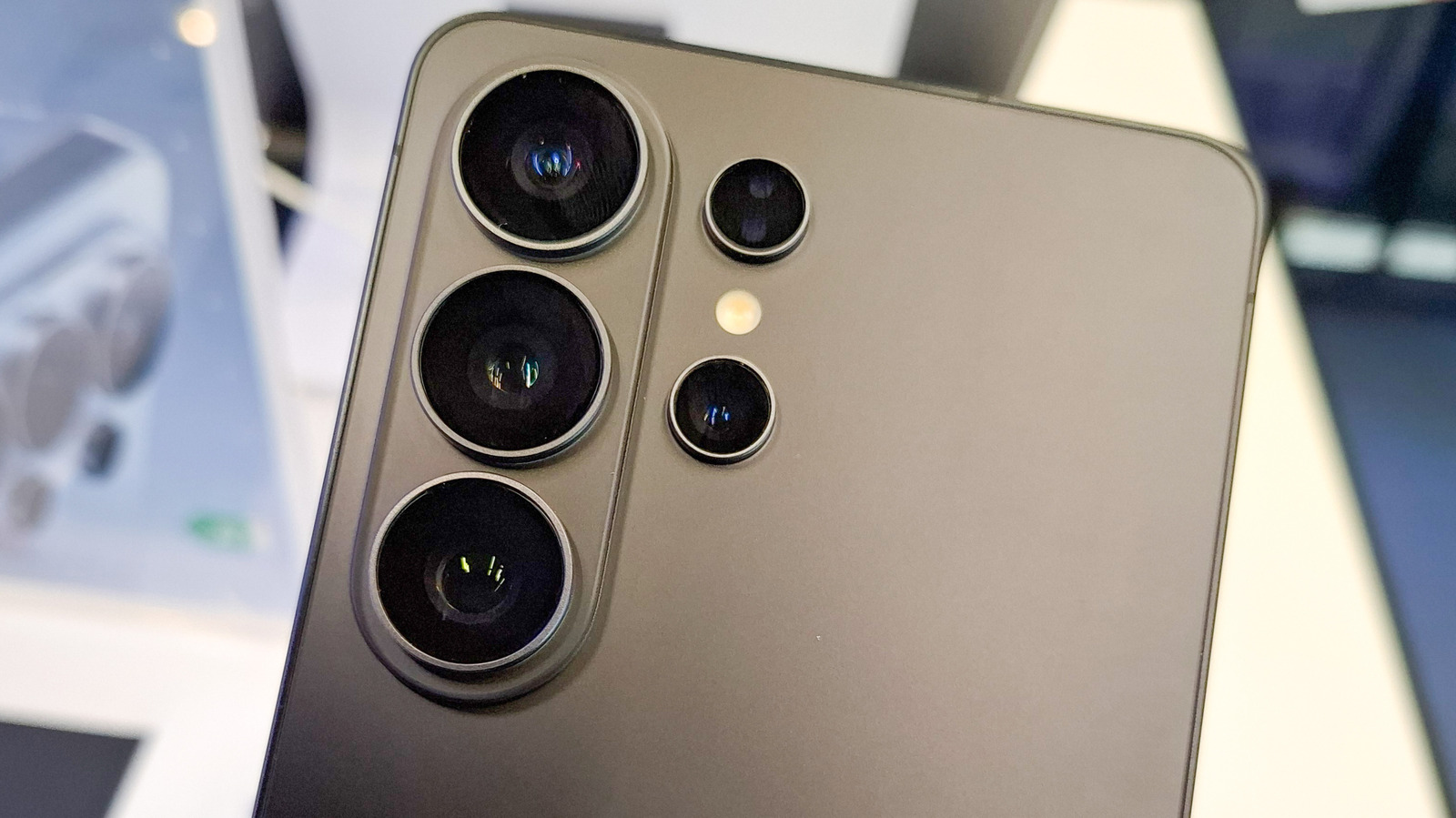
You can now turn on the flashlight on a Samsung Galaxy or Google Pixel without unlocking the phone. Both brands let you tap a button on the lock screen or use a voice command to switch the light on instantly. The feature is built into the quick‑settings panel and can be added to the lock‑screen shortcuts for instant access.
The ability to light up your phone in a pinch is a welcome addition for people who rely on their device as a backup light source. In an emergency, you don’t want to waste time unlocking the screen. The new shortcuts make it possible to get a beam of light with a single tap, a double‑tap gesture, or a voice request. The update reflects a growing trend to make phones more useful in everyday situations without compromising security.
On a Pixel, swipe down from the top of the lock screen to open Quick Settings. Tap the flashlight icon to turn it on; tap again to turn it off. If the icon isn’t visible, tap the pencil at the bottom of the panel and add the flashlight to the first page. You can also enable a Quick Tap gesture: Settings > System > Gestures > Quick Tap to start actions, then toggle “Flashlight.” Double‑tap the back of the phone to switch the light on. A long press on the lock screen lets you add the flashlight to the bottom shortcuts. For voice control, say “Hey, Google, turn on the flashlight” without unlocking the phone. Third‑party apps can give you shake‑to‑turn‑on functionality if you prefer that method.
Samsung users can access the flashlight by swiping down from either corner of the top edge to open the Quick Panel. Tap the kebab or pencil icon to rearrange the icons and move the flashlight to the first row. You can also replace one of the two bottom lock‑screen buttons—normally Phone or Camera—by long‑pressing the screen, selecting “Customize,” and choosing the flashlight. If you can’t edit the lock screen, go to Settings > Lock Screen & AOD > Enable Touch and Hold to Edit. Voice commands work the same way on Samsung: say “Hey, Bixby, turn on the flashlight” or “Hey, Google, turn on the flashlight” to activate the light.
These new shortcuts make smartphones more than just communication tools; they become practical emergency devices. As manufacturers continue to refine lock‑screen utilities, users can expect even faster access to essential functions like the flashlight, enhancing safety and convenience in everyday life.
Read Full Story at Engadget →